NIIMBOT roll compatibility by printer model
| Printer marking | Refill to check first | Fit detail to verify |
|---|---|---|
| D110 or D11 | Supported D-series white pre-cut rolls, such as 12 × 30 mm | Match the exact roll code and label length to the original model. |
| D110_M or D11_H | Official rolls that list the exact revised model | Check the suffix in the model-specific help and the refill details. |
| D101 | A refill explicitly listed for D101 | Follow the D101 guide for its adjustable compartment and the baffle used with 15 mm paper. |
| B1, B21 or B3S | Supported B-series white pre-cut rolls, such as 50 × 30 mm | Confirm the exact pack lists your model. Larger widths differ across these printers. |
| N1 | N1-compatible thermal-transfer label material and ribbon | Match both consumables to the N1 and the job. |
A product name such as D110 can appear in a listing headline even when the model field shows D110_M. Read the sticker or marking on the printer and use that full model in the manufacturer's support search. The D110 and D11 comparison explains the original model specifications. NIIMBOT model support
Choose a D-series refill by its full model list
NIIMBOT lists 12 × 30 mm white direct thermal labels for the original D11 and D110, and lists D101 on that roll family page. It offers other formats, including narrow cable flags, for specific models. Check the actual variant chosen because the dimensions and counts change across the product page. For the D101, use the model-specific loading instructions. NIIMBOT's D101 support calls for the paper-bin baffle when loading 15 mm paper. NIIMBOT white D-series labels · NIIMBOT D101 model help
Read the individual label width and length. A 12 × 30 mm roll suits small drawer or object names. A 12 × 40 mm label may give you more room for a long name, but it uses a different template and may not suit a small object. Try a paper mock-up to see which fits before buying several rolls.
Refill for short names and IDs
NIIMBOT D-series White Thermal Labels, 12 × 30 mm
White pre-cut direct thermal labels for small drawer, jar and item IDs. NIIMBOT lists this label size for the D110 and D11.
Keep in mind. Confirm the full printer model and select the 12 × 30 mm template. Check the refill application instructions for the surface.
- 12 × 30 mm individual labels
- White direct thermal stock
- Three-roll pack
Check B-series stock against the exact model
NIIMBOT offers 50 × 30 mm white labels for the B1, B21 and B3S. This can be a practical size for item names, bin labels or short identifiers. It is one example of shared media across these models. Other B-series sizes and variants have their own model lists. Check the exact pack when changing to wider stock, multiple labels across the backing or a different shape. NIIMBOT white B-series media · NIIMBOT B3S model details
The 50 × 30 mm white pack below lists the B1 and B21. For a B3S, select a roll that lists that model on its own pack. Check the matching 50 × 30 mm template before printing several labels.
For B1 and B21 storage labels
NIIMBOT White Thermal Labels, 50 × 30 mm
White pre-cut direct thermal labels for item names and storage IDs. The verified pack lists the NIIMBOT B1 and B21.
Keep in mind. Check the full model and select the 50 × 30 mm label template. Other B-series printers need their own pack check.
- 50 × 30 mm individual labels
- White direct thermal stock
- For NIIMBOT B1 and B21
Check label dimensions, the whole roll and print method
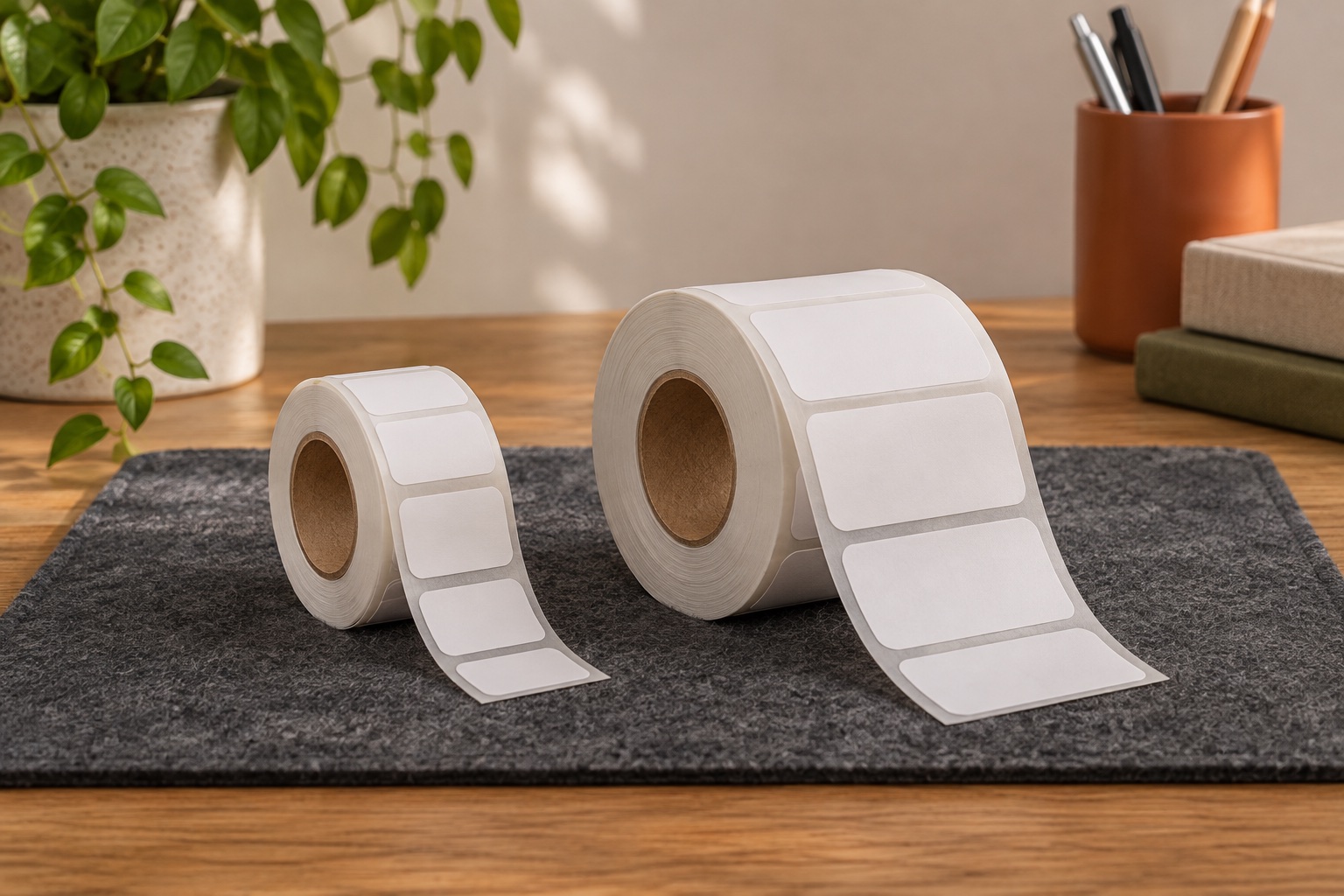
Use the dimensions of the peel-off label to plan your text. For physical fit, check the backing width and the roll's core and outside diameter. Two packs with the same individual label size can use different backing or have a different number of labels wound around the core. Where the pack or manual does not publish those dimensions, use a refill explicitly listed for the exact model. The roll should sit freely in the compartment and feed with the guides positioned as shown in the manual.
Check the feed format. A pre-cut label with a gap has a defined start and end. Continuous stock uses a different layout and may need different printer support. Print method also matters. NIIMBOT describes the N1 as a thermal-transfer printer with a ribbon, so check its own stock and ribbon combination even when the size looks familiar. NIIMBOT N1 printer details
Check seating and the app template before a full run
- Match the full printer model and refill code. Verify the selected listing variant and the label dimensions on the pack.
- Load the roll with the print side facing the direction shown in the model manual. Check that the cover closes and the guides or baffle are correctly positioned.
- In the app, confirm the detected or selected label size. Some supported rolls identify their template automatically. If the size seems wrong, check the roll seating and model support before changing the design.
- Print a short sample. If it skips labels, drifts off the edge or cuts across gaps, check roll type, backing position, sensor area and template against the manual.
Manufacturer sources
Common questions
Can the original NIIMBOT D11 and D110 share rolls?
NIIMBOT lists some rolls for both original models, including its 12 × 30 mm white D-series labels. Check the exact refill code and pack.
Does a D110 roll also fit the D110_M?
Check the refill documentation for D110_M specifically. NIIMBOT lists it as a separate support model. The model name on the printer is more reliable than a broad listing title.
Can I use the same 50 × 30 mm labels in a B1 and B21?
NIIMBOT offers supported 50 × 30 mm white stock for both. Match the exact pack and check the roll and backing format even when two labels have the same dimensions.
Why does my NIIMBOT skip or misalign labels?
Check the exact roll, orientation, guide position and app template. Feed one test label and check where it lands relative to the gap before printing the full job.
Can a direct thermal D-series roll replace an N1 refill?
The N1 uses thermal transfer with a ribbon. Use media and ribbon specified for the N1 and check the exact label size and material together.