Quick answer
Start with the printer, then choose the label
For an open-format parcel printer such as the MUNBYN RW403B, choose the correct direct thermal fanfold or roll stock and calibrate its label size and gap. For a Brother QL-1100c or QL-1110NWBc, use a listed DK format such as DK-11247. A4 printers need sheet labels instead. These formats are not interchangeable.
Four label options and the printers they suit
Scroll sideways to see all columns.
| Label supply | Format | Pack | Compatibility boundary | Amazon price |
|---|---|---|---|---|
| MUNBYN 4×6 fanfold | Nominal 4×6 direct thermal | 500 labels | Open-format printer with suitable width and gap sensing | Check price ↗ |
| MUNBYN 4×6 roll | Nominal 4×6 direct thermal | 500 labels | Suitable external roll feed and holder needed | Check price ↗ |
| Brother DK-11247 | Approx. 103 × 164 mm die-cut DK roll | 180 labels | Listed wide Brother QL models including QL-1100c and QL-1110NWBc | Check price ↗ |
| Avery L7169-100 | 139 × 99.1 mm on A4 sheets | 400 labels on 100 sheets | Laser printer and matching four-per-sheet template | Check price ↗ |
Check three things before buying a box of labels
The useful question is whether a supply matches your printer, your postage layout and your packing space. A parcel label can have the right dimensions and still fail because the printer cannot detect its start, the holder cannot take the roll, or the file is being shrunk to the wrong page size.
First, read the complete printer model number. A Brother QL-800 and QL-1100c belong to the same broad family but take different maximum widths. A DYMO LabelWriter 550 uses a different supply system again. Check the maker’s media list for that specific machine before comparing prices.
Second, inspect a label downloaded from the service you use. Select its label-printer output where available and confirm the page dimensions. A full A4 PDF with a small label in one corner needs a different workflow from a PDF whose whole page is a parcel label. Buying wider stock will not automatically remove the surrounding blank area.
Third, measure the supply space behind the printer. An external-feed machine needs a clear path for a fanfold stack or a suitable roll holder. Include the space occupied by the stock when the desk is in normal use, with the laptop, scales and parcels in place.
Choose fanfold for a straightforward external feed
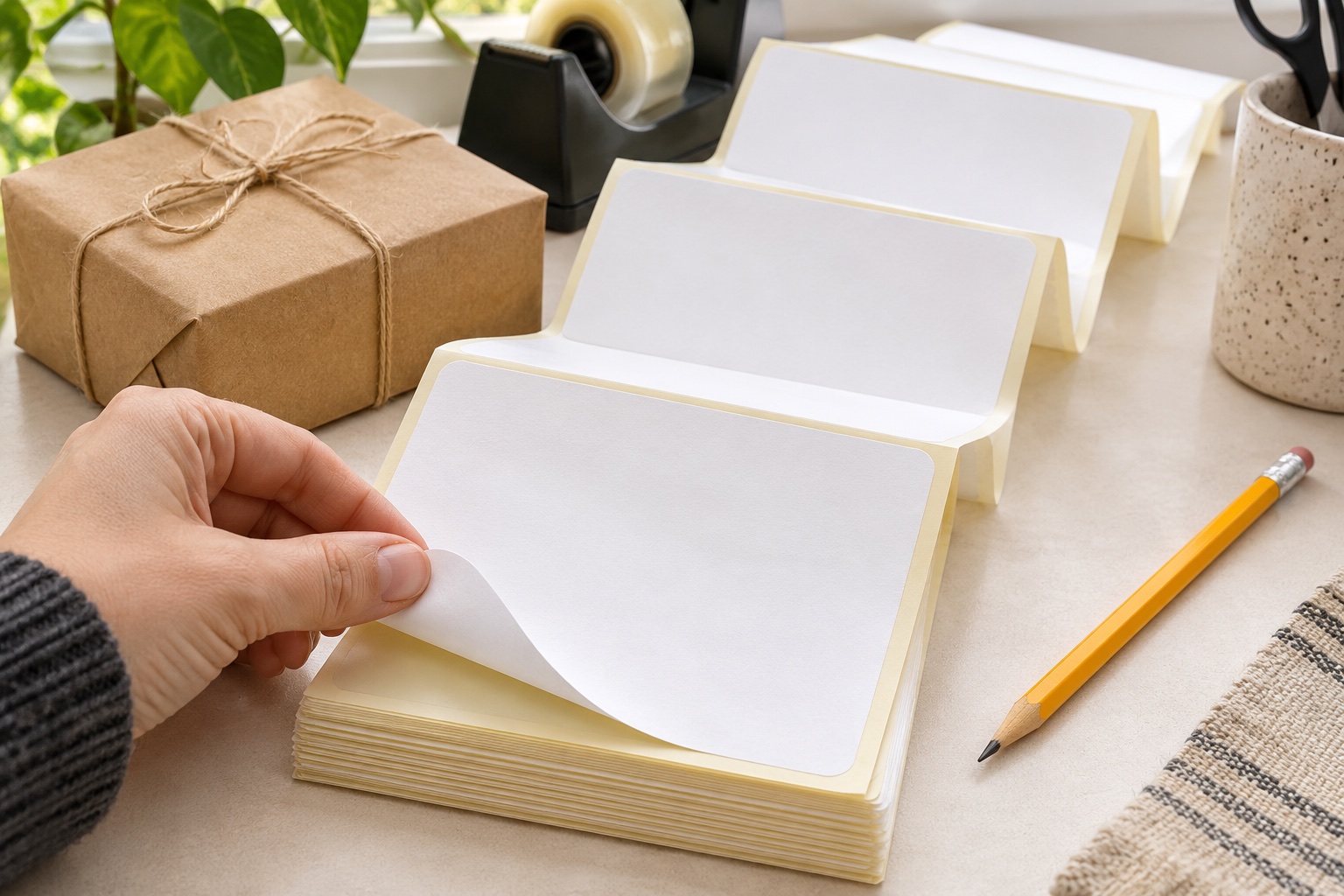
Fanfold labels arrive in a concertina stack. There is no core to match, and no roll diameter to fit inside a printer. The stack sits behind a compatible external-feed machine, and the liner opens out as the printer pulls it through. This is convenient if you want to see how much stock remains and keep a repeatable route from the stack to the paper guides.
The MUNBYN 500-label pack below is nominal 4×6-inch direct thermal stock. It is a relevant starting point for an open-format parcel printer such as the RW403B, whose manufacturer describes loading either a roll or a fanfold stack. It is not a Brother DK refill or a DYMO Series 5 supply.
Keep the stack level and clear of anything that can catch a fold. If you store spare stock above the printer, avoid an arrangement that drags against the edge of a shelf. Fanfold saves the need for a roll holder; it still needs enough room for the paper to move freely.
Open-format fanfold supply
MUNBYN 4 × 6 inch fanfold shipping labels
A 500-label fanfold pack for compatible direct thermal shipping printers. The folded stack sits behind the printer and feeds without putting a large roll inside the machine.
Keep in mind. Check the actual printer’s width, gap sensing and feed instructions. These open-format labels are a different system from Brother DK holders and DYMO’s Series 5 authenticated rolls.
- 4 × 6 inch format
- 500 fanfold labels
- Direct thermal media
Choose rolls when the holder and feed path work for your desk
A roll is useful when a suitable holder keeps the supply aligned and lets it unwind without resistance. The MUNBYN 500-label roll offers the same nominal 4×6 format as the fanfold pack in a different physical arrangement. Choosing between them is mainly about handling and space, once the exact media is compatible.
For an external roll, check both the core’s inside diameter and the full roll’s outside diameter against the holder. A spindle that cannot pass through the core is a problem even if the label width is right. For a printer with an internal compartment, the printer’s own maximum roll diameter matters too.
The selected Amazon UK listing gives this 500-label roll an outside diameter of 120 mm. Check that your holder clears a full roll of that size. The core’s inside diameter is not specified in the information used here, so confirm it before buying a spindle holder. Dimensions from MUNBYN’s separate 220-label roll are not a substitute.
Open-format roll supply
MUNBYN 4 × 6 inch roll shipping labels
A 500-label direct thermal roll for printers that support its media and feed arrangement. A suitable roll holder keeps the supply together at a dedicated packing position.
Keep in mind. Check the holder fits the listing’s 120 mm full roll diameter and confirm the core inside diameter before buying a spindle. It is open-format media, not Brother DK or a DYMO Series 5 refill.
- 4 × 6 inch format
- 500 roll labels
- Direct thermal media
For wide Brother QL printers, buy a listed DK roll
Brother’s DK-11247 is a pre-sized large shipping label roll for listed wide QL printers, including the QL-1100c and QL-1110NWBc. Brother describes it as 103 × 164 mm; some listings give the more precise 103.6 × 164.3 mm dimensions. It is larger than an exact 101.6 × 152.4 mm label. Select the supported DK size in the driver and check how your shipping file fits it.
The roll and its holder are part of the DK system. An open-format MUNBYN roll with a similar width is not an interchangeable refill. Likewise, a narrow QL-800 does not become a full-width parcel printer by buying a wider DK roll: DK-11247 is absent from that model’s supported media list.
The advantage of buying by an exact code is repeatability. Once you have a correctly aligned template and the right driver setting, replenishing the same DK code avoids changing both media dimensions and feed arrangement at once. Our Brother DK compatibility guide compares wide shipping labels with narrow address and continuous rolls.
Wide Brother QL shipping labels
Brother DK-11247 shipping labels
A pre-cut paper roll for the wider Brother QL shipping machines. Its 103 mm-class label gives a full-size parcel address room without cutting a continuous roll by hand.
Keep in mind. Use the exact compatible QL model and label template. The wider DK-11247 format does not fit the narrower QL-800, and its die-cut size differs from a generic 100 × 150 mm label.
- 103 × 164 mm nominal
- 180 pre-cut labels
- Brother DK holder
An A4 sheet can be sensible for occasional dispatches
If you already own a suitable laser printer and send only occasional parcels, A4 adhesive sheets can avoid buying a thermal machine. Avery L7169-100 has four 139 × 99.1 mm labels per sheet. It is an A4 laser product with its own template, rather than a 4×6 roll supply.
That distinction affects the print file. Choose or create an output that actually fits the L7169 cells; do not assume a carrier’s 4×6 layout will fit unchanged. Check the preview and use a plain-paper alignment test before spending a sheet. A postage barcode must remain complete, clear and within the carrier’s required layout.
Follow your printer’s guidance for adhesive sheets, the feed tray and media setting. Use a suitable laser printer for this Avery stock. Avery recommends a fresh, complete sheet and one pass through the printer. Avery label-sheet feeding guidance
Four labels per A4 laser sheet
Avery L7169-100 A4 shipping label sheets
A four-per-sheet format for an existing laser printer. The Avery template gives each address a defined position on an A4 page, useful when dispatch volume does not justify a separate thermal machine.
Keep in mind. Each label is 139 × 99.1 mm, which differs from an exact 4 × 6 inch page. Use the correct L7169 template and laser-compatible printing instructions rather than stretching a carrier barcode to fill the label.
- 139 × 99.1 mm
- 4 labels per A4 sheet
- 100 laser sheets / 400 labels
Make one correct print before committing to a batch
Set the driver to the actual label dimensions and media type. Run the printer’s label-learning or calibration procedure after changing size or gap. For the RW403B, MUNBYN’s help guidance says the configured gap should match the physical label gap. Changing a document margin cannot repair a sensor that is advancing by the wrong label length.
Open one downloaded shipping label, confirm orientation and inspect the print preview. Avoid casually choosing “fit to page”: unintended scaling can reduce a barcode or move it outside the label. Follow the carrier’s print instructions for that particular output. Print one label and examine all text, edges and barcode bars before printing the rest.
Apply the label to a clean, dry, flat section of the package. Keep it away from seams and edges where it could fold. Store unused direct thermal supplies according to their maker’s instructions, away from avoidable heat and strong light. For buying comparisons, divide the delivered pack price by usable labels, including any stock lost while setting up a new format.
Manufacturer information behind this guide
Specifications and compatibility were reviewed against manufacturer documentation in November 2026.
Common questions
Are 100 × 150 mm labels exactly the same as 4×6 inches?
No. Four by six inches is 101.6 × 152.4 mm. Some listings use the descriptions loosely. Match the actual label dimensions, printer paper setting and carrier output rather than assuming the names mean identical stock.
Can I put generic 4×6 rolls in a Brother QL printer?
Do not assume so. Brother QL printers use model-specific DK rolls and holders. The QL-1100c and QL-1110NWBc list DK-11247; a generic open-format 4×6 roll is not an equivalent simply because its width is similar.
Can the Brother QL-800 print full-size 4×6 parcel labels?
The QL-800 uses narrower media up to 62 mm wide. It does not accept the wide DK-11247 roll. It can produce smaller address and other labels, but it is not a full-width 4×6 parcel printer.
Do I need ink for these thermal labels?
Direct thermal labels use a heat-sensitive coating and a compatible direct thermal printer. They do not need ink or a ribbon. Avery L7169 is a separate A4 laser label product and needs a suitable laser printer with toner.
Can I use ordinary 4×6 labels with a DYMO LabelWriter 550?
No. DYMO’s user guide specifies a 56 mm maximum print width for the 550 and 550 Turbo, and Series 5 printers require Authentic DYMO LW labels. These narrow models are not generic 4×6 parcel printers.