Topic 02 · Updated November 2026
Shipping label printers
Work out which printer, label size and connection suit the way you buy UK postage and dispatch parcels.
Choose a shipping label printer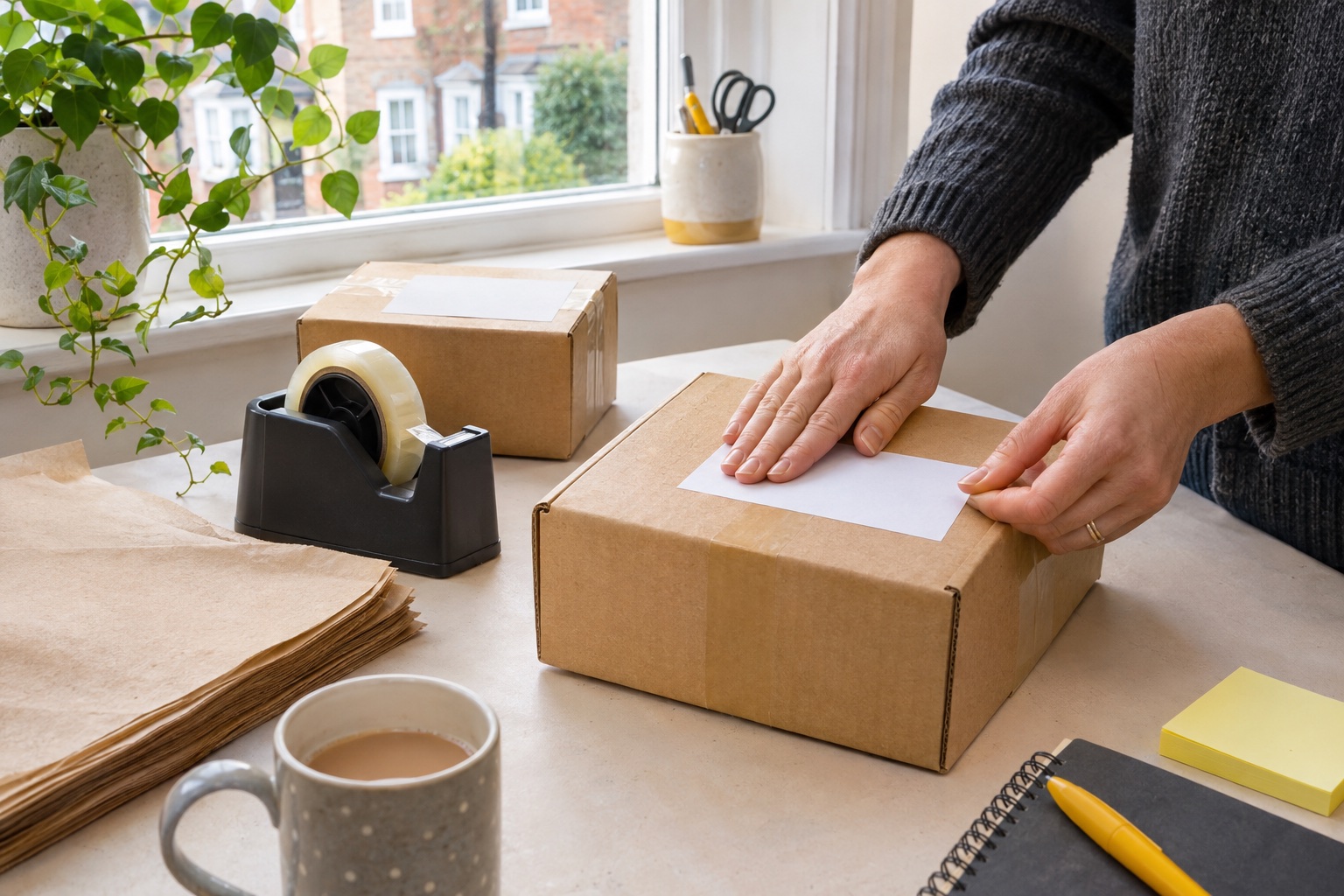
30 practical guides
What do you need to do?
Begin with the file or code supplied by your booking. Choose a printer only after checking the output size, device and supported refill.
Start with one downloaded label
Open a file from the carrier or marketplace you actually use. Check the page size, any extra paperwork and the supported print format. An A4 output, a standalone thermal page and a shop-printing code lead to different workflows. Use the booking’s own instructions before choosing a printer or roll. Royal Mail printing instructions
For computer printing, check the current driver and paper setting. For phone printing, check that the supported app can import your actual label file. Bluetooth alone does not establish AirPrint or compatibility with every app. The device guides below take you through those checks.
Already have a label or QR code? Start with the service that issued it. If the problem is a return label or handover code, use the issuer-first recovery steps.
Help with return labels and codes →6 guides
Choose the printer around your label
Compare the output, connection and refill system before buying.
- Best shipping label printers for UK sellersCompare exact models around your device, postage file and stock.→
- 4 × 6 or A4 shipping labels?Compare dimensions with same-scale outlines, A6 and L7169 overlays, and a physical-fit table.→
- USB or wireless printing?Separate USB, Bluetooth-app and network printing requirements.→
- Address label printers for envelopesChoose equipment for envelope addresses rather than full parcel panels.→
- Brother QL-1100c vs QL-1110NWBcCompare USB and network-equipped Brother wide-format models.→
- Shipping label cost calculatorCompare thermal and A4 costs, monthly spending and equipment payback using your own figures.→
11 guides
Print labels for your carrier or marketplace
Follow the service that issued the file, code and handover instructions.
- Royal Mail Click & DropChoose the supported A4 or thermal output and the correct print settings.→
- Evri labels and ParcelShop printingDistinguish home printing from an eligible ParcelShop print route.→
- InPost labels and locker codesMatch the booking’s label or code to the correct locker handover.→
- DPD Online labelsFollow the DPD Online booking and available printing route.→
- DHL Express UK labelsCheck label pages and any additional shipment paperwork.→
- Parcelforce booking labelsRecover the correct output from your online booking.→
- Etsy UK shipping labelsUse the actual UK order output rather than assuming another country’s format.→
- eBay postage labelsCheck the bought service, downloaded file and reprint path.→
- Vinted labels and QR codesFollow the order’s issued label or eligible digital handover code.→
- Shopify UK shipping labelsCheck the fulfilment and label format in the supported UK workflow.→
- Amazon Buy Shipping labelsFollow the Buy Shipping order, label output and handover requirements.→
7 guides
Print from your device and test the setup
Match the current driver or app to the exact printer model.
- Print from an iPhoneCheck the printer app and the PDF you need to import.→
- Print from AndroidUse a supported Android app and check the downloaded page size.→
- Set up on WindowsSet the driver, paper size and a first test on Windows.→
- Set up on a MacCheck the supported Mac route and the paper preset.→
- Set up a MUNBYN RW403BFollow the model’s USB and supported Bluetooth-app workflows.→
- Connect a Brother QL-1110NWBc to Wi-FiUse the documented network setup for this Brother model.→
- Print a test label without buying postageSeparate a printer test from buying a new shipment.→
6 guides
Find the check for the print fault
Start with the visible symptom and keep a failed label for comparison.
- Labels print at the wrong sizeFollow the decision diagram for PDF size, stock and scaling.→
- The printer skips labelsCheck feed, sensing and the model’s calibration process.→
- A thermal label prints blankCheck media, orientation and whether a printer test works.→
- Prints are faint or streakyCheck the print surface, cleaning and supported print settings.→
- A parcel barcode will not scanCheck clarity, layout, placement and the current issued label.→
- A Windows print job is stuckWork through the Windows 11 queue and connection checks.→
Common questions
Do I need a thermal printer to send parcels?
No. Depending on the booked service, you may be able to use an existing A4 printer or an eligible shop-printing option. A dedicated thermal machine becomes useful when its label format and repeated printing workflow fit the parcels you send.
Can an address label printer print a full 4×6 postage label?
Check its printable width. Narrow models such as the Brother QL-800 cannot handle a full four-inch-wide parcel panel. Use the actual carrier file dimensions to choose the printer and stock.
Does Bluetooth mean I can print directly from any phone app?
No. Check the manufacturer’s supported mobile app and whether it imports the postage PDF you use. Bluetooth connectivity alone does not establish AirPrint or compatibility with every app.
Why does my 4×6 label print very small?
Check the dimensions of the carrier PDF. Fitting an entire A4 page onto 4×6 stock can shrink the label panel. Use the carrier’s standalone thermal page when available.
What should I try if the printer feeds a blank label?
Check the label material and loading direction first. Then use the model’s documented self-test to separate a print or media fault from the file and app settings.