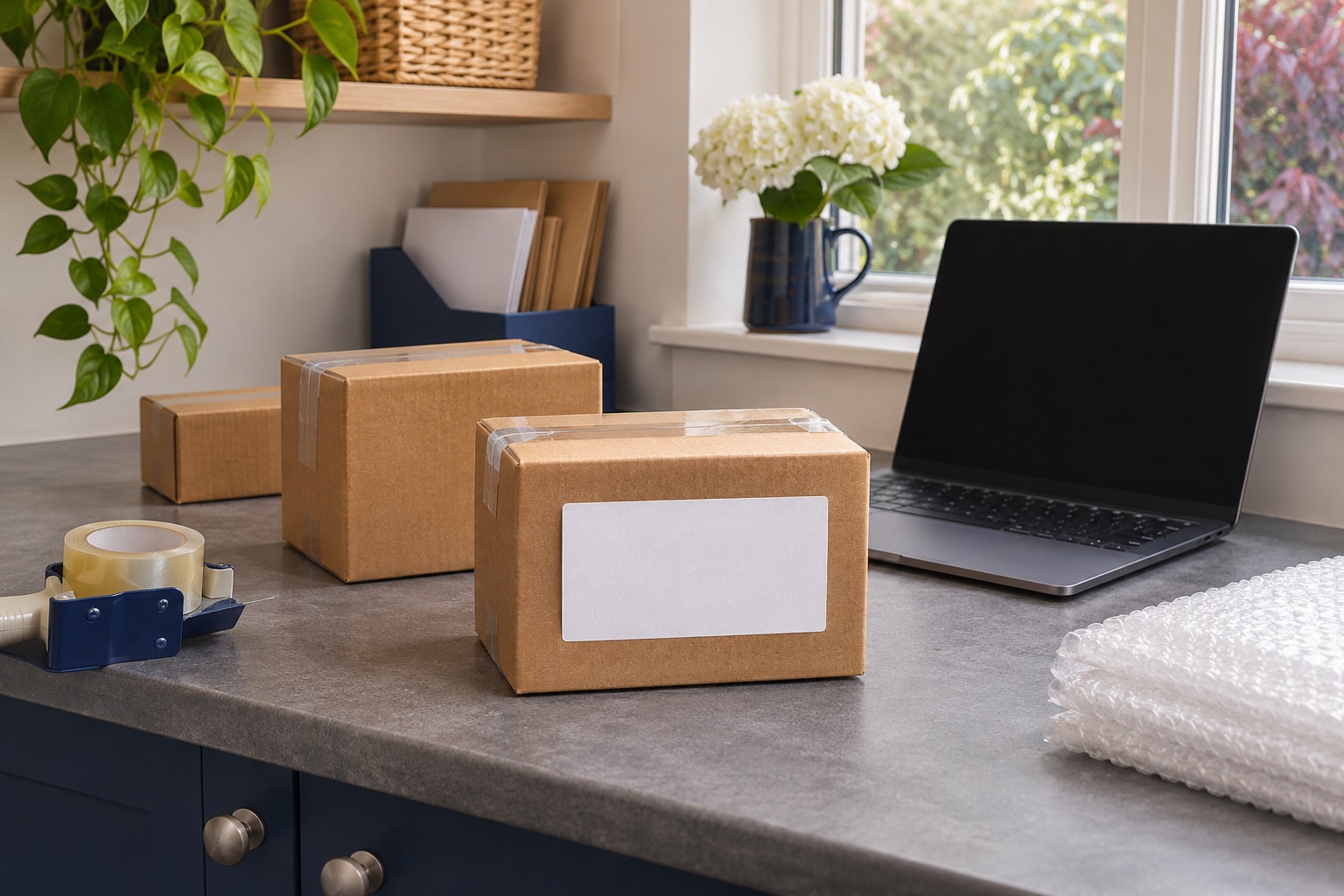
Identify the label and the place that issued it
Amazon Buy Shipping is for eligible orders you fulfil yourself, also called Fulfilled by Merchant or merchant fulfilled. You pack the customer order and buy the postage in Seller Central. An FBA shipment into an Amazon fulfilment centre has its own labels and workflow. Amazon Shipping is also the name of a delivery carrier. If it appears in Buy Shipping, treat it as the selected carrier on that shipment. Amazon UK Fulfilled by Merchant guide · About Amazon Shipping UK
| The label you need | Where to start | What to match before printing |
|---|---|---|
| Postage for a merchant-fulfilled customer order | Orders → Manage Orders in UK Seller Central | Order ID, carrier service and packed parcel details. |
| Another copy of postage you already bought | Original order’s shipment record | Existing tracking number and the same parcel. |
| An FBA box or product label | The applicable FBA shipment workflow | Shipment and box or item identifier specified in FBA. |
| Postage bought with a carrier outside Seller Central | The carrier or platform that sold the label | Carrier’s file and handover instructions, plus the order’s tracking record. |
Buy the label from the merchant-fulfilled order
- Open Orders → Manage Orders in UK Seller Central and find the order you are packing. Check the items and the recipient on the order.
- Choose Buy Shipping if it is offered for that order. Enter or check the ship-from details, shipping date, outside dimensions and total packed weight requested on the screen.
- Compare the eligible services shown. Confirm which carrier takes the parcel and how it needs to be handed over. A service that suits a small box may disappear when the dimensions or weight change.
- Review the details, purchase the service and open the label it provides. If the screen offers a print orientation, choose the one that fits your output and preview it.
- Check the tracking number on the order against the printed label and set the label beside the matching parcel before attaching it.
Amazon’s UK merchant guide says order confirmation and tracking can be handled automatically when you buy through Buy Shipping. Keep the physical handover separate in your dispatch routine. Save the carrier’s receipt or collection record with the order so you can check when the parcel actually entered the network. UK Seller Central Buy Shipping help · Amazon UK merchant fulfilment guide
If you cannot see Buy Shipping, check you are in the right marketplace and the order is merchant-fulfilled. If the order opens but no service is offered, review the parcel details, ship-from address and shipping date in the order. Use Seller Central’s help for the message on that order and check its shipping requirements before choosing another route.
Measure and weigh the parcel you will actually send
Seal the parcel with the packing you will use, then measure its longest outer points and weigh the whole thing. Put the box on a level scale and check that it rests fully on the weighing platform, clear of the bench or wall. An item weight from the listing leaves out the box, filling and paperwork. Keep the units in Seller Central consistent with the measurement you entered.
A postal scale with a hold function can help if the box covers its readout. The MUNBYN IPS01 has a 30 kg capacity and a hold function. Check the size of the platform and the limit for your booked service as separate decisions. If your scale is already suitable, use it and record the stable reading. MUNBYN UK postal scales
For heavier boxes
MUNBYN IPS01 30 kg postal scale
A higher-capacity postal scale with a backlit display and hold and tare functions.
Keep in mind. Check whether large boxes sit securely and whether the parcel service accepts their packed dimensions and weight.
- 30 kg capacity
- Backlit display
- Hold and tare
Print the actual output for the booked carrier
Open the issued label and inspect the whole page. Use the media size and orientation appropriate to that file. Amazon Shipping UK describes its own label as 10 × 15 cm. Other Buy Shipping services can use their own formats, so check the actual output each time you switch carrier or print route. Amazon Shipping UK label requirements
For a label-sized PDF, select the matching stock and keep the intended scale. For an A4 document, use the A4 workflow or select a supported thermal output in the booking tool if it offers one. Avoid shrinking the full A4 page onto a small sticker. Print a single copy first and check the complete barcode, postcode and tracking number. Put the label flat on the largest suitable face, clear of seams and old codes.
Reprint the same shipment or correct the original purchase
If the label was clipped, faint or lost before handover, reopen the original order in Manage Orders. Use the reprint action for the purchased shipment and match its tracking number. Remove or discard the unreadable copy before applying the replacement. Keep one usable label for that parcel.
If the address, service or packed dimensions are wrong, a reprint repeats the original data. Check the refund or replacement process in Seller Central for that carrier before purchasing again, and confirm which tracking number belongs to the corrected shipment. Check the original order first if the buy button is missing after a print error. It may already have a purchased label. Amazon Seller Central help on reprinting
Common questions
Where do I buy a shipping label for an Amazon UK customer order?
In the UK Seller Central store, open Orders → Manage Orders and select Buy Shipping for the eligible merchant-fulfilled order. Review the services offered for the shipment before purchasing.
Is Buy Shipping the same as Amazon Shipping?
Buy Shipping is a way to buy postage through Amazon for an eligible order. Amazon Shipping is a carrier. Check the carrier and handover method shown on your purchased shipment.
Can I use a thermal printer for Buy Shipping?
Use a thermal printer when the selected service and label output match the printer and stock. Check the actual page size and print preview. For an A4 output, use a compatible A4 printer.
How do I reprint a damaged Buy Shipping label?
Open the original order and find the reprint action for the shipment you already bought. Verify that the tracking matches the parcel. Follow Seller Central’s replacement process if the shipment details have changed.
Does buying a label mean the parcel has been handed over?
Amazon can confirm the order and add tracking when you buy through Buy Shipping. You still need to pass the parcel to the selected carrier and retain its handover evidence.