Explore · Updated November 2026
Buying advice
Choose label makers, postage printers, compatible refills and packing equipment around the labels you need to make and the devices you use.
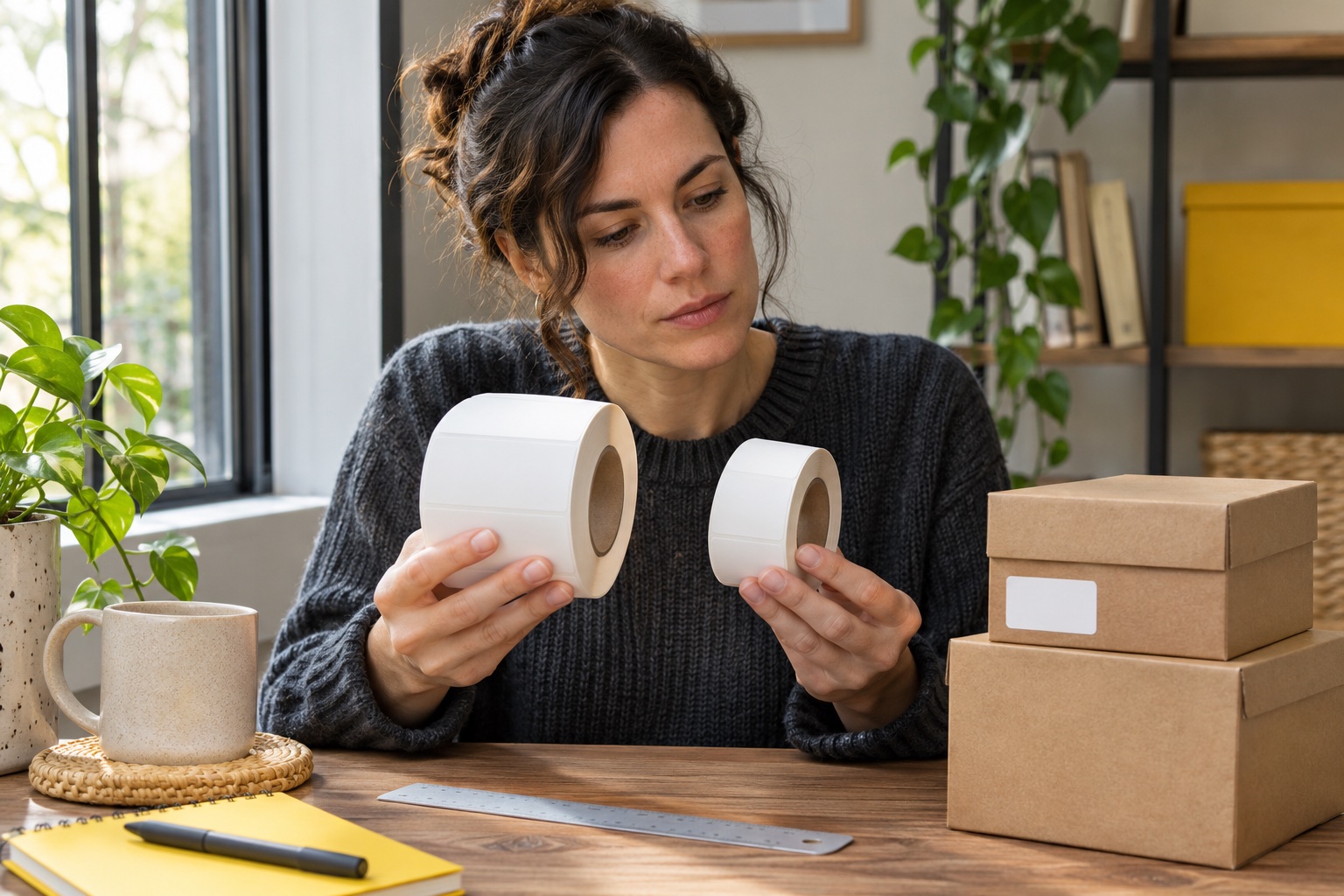
Start with one finished label
Write down what the label needs to say, where it will go and how you will print it. For a folder spine, measure the flat strip you can use. For a parcel, inspect the carrier's downloaded file and available format. For a whole packing setup, include the scale, working space and handover route in the decision.
| Your main job | Compare first | Check before buying |
|---|---|---|
| Names on drawers, files and household items | Home label makers | Tape width, material and keyboard or app entry |
| Parcel postage from a carrier or marketplace | Shipping label printers | Actual file dimensions, supported device and compatible stock |
| Addresses on envelopes | Address label printers | Address layout, label size and how you enter a list |
| Replacing a cassette or roll | Tapes and labels | Exact model, refill code and surface |
| Preparing orders at home | Packing and dispatch | Packed dimensions, weight and handling routine |
Choose how you will enter household labels
A keyboard model lets you type beside the item you are labelling. An app model gives you a phone screen for layouts and saved designs. For shared use, consider whether each person can print the next label directly or needs a compatible device and app. Compare the handheld Brother and DYMO options, Bluetooth models and wider desktop machines around that routine. Handheld comparison · Bluetooth label makers · Wide tape label makers
Choose the tape with the surface in mind. Cable jackets, freezer containers and clothing need different application guidance. A machine is a useful choice when it takes a verified refill for your regular job. Cable identification · Freezer labels · Iron-on tape
Check the postage file and device together
Open an example from the service you use and check its page size and extra paperwork. Royal Mail Click & Drop supports several print formats, including thermal and A4. Follow the output and scaling instructions for the selected booking. The provider's label workflow is a useful check before choosing hardware. Royal Mail printing guidance · UK carrier and marketplace guides
Then check whether you will print from Windows, Mac, iPhone or Android. USB, Wi-Fi and Bluetooth each need the correct driver, app or supported printing route. Compare those steps using your actual device and file. Connection guide · Windows setup · Mac setup · iPhone · Android
Find one compatible refill before choosing the printer
Check the full model code, including its suffix, against the manufacturer's consumables list. Compare the exact material and width you need, then look at the quantity or usable length. A similar refill name or width is a starting clue. The model-specific guide explains the other fit checks. Brother TZe · Brother DK · DYMO LetraTag · DYMO D1 · NIIMBOT rolls
For regular dispatch, compare cost per usable printed label and how the supply feeds at your desk. Leave space for a fanfold stack or the supported roll and for collecting finished labels. Running-cost guide · Fanfold versus rolls
Choose packing equipment around the finished parcel
Use the outside measurements and weight of the sealed package when selecting postage. A scale needs suitable capacity, resolution and a readable display with your usual box on it. Packaging and dispensers should fit the items and media you actually handle. Parcel measurement · Parcel scales · Label dispensers · Tape dispensers
Common questions
How do I choose between a home label maker and a shipping label printer?
Start with the finished label. A narrow cassette label maker suits names on folders, drawers and objects. For postage, check the file your carrier or marketplace issues and choose a printer and media that can reproduce it at the required size.
Do I need a dedicated printer for occasional parcel labels?
Check the booking first. It may offer an A4 file for an existing printer, a standalone thermal format or an eligible print-at-drop-off code. A dedicated printer is most useful when printing and attaching labels is a repeated part of dispatch.
What should I check before buying a Bluetooth label printer?
Confirm that its current app works with your device and can open or create the label you need. Check the full model, media size and print workflow as well as the Bluetooth connection.
How do I compare running costs?
Find the exact compatible refill, its usable size and pack quantity. Include setup waste, end margins or failed labels in the cost of the labels you actually use.
Can two printers with the same label width use the same refills?
Match the full printer model and refill family. Cassette shape, holder, backing, sensor and roll recognition can differ even when the peel-off label dimensions are similar.