LabelWriter 450 and 550 roll requirements
| What to check | LabelWriter 450 | LabelWriter 550 |
|---|---|---|
| Roll family | Supported LabelWriter direct thermal rolls. DYMO recommends its own labels. | Authentic DYMO LW rolls with Automatic Label Recognition. |
| Old stock | Confirm the original part number, condition and fit. | DYMO specifies labels manufactured after April 2020. Check recognition even if the dimensions match. |
| Label size in the software | Select the actual label size and template. | DYMO software can read the installed roll. Confirm that the job uses that size. |
| Loading | Seat the roll on the spindle and press the spool guide against it. | Use the 550 spool, press its guide flush to the roll and check recognition. |
DYMO's manual describes Automatic Label Recognition on the 550 series. It tells the software the size of the roll and how many labels remain. The UK 550 specification lists compatibility with LabelWriter labels manufactured after April 2020. If you are upgrading with older stock, check the packaging or lot information and confirm that the roll is intended for the 550. DYMO LabelWriter 550 UK specifications · DYMO LabelWriter 550 series manual
Match the roll code and the size of the job
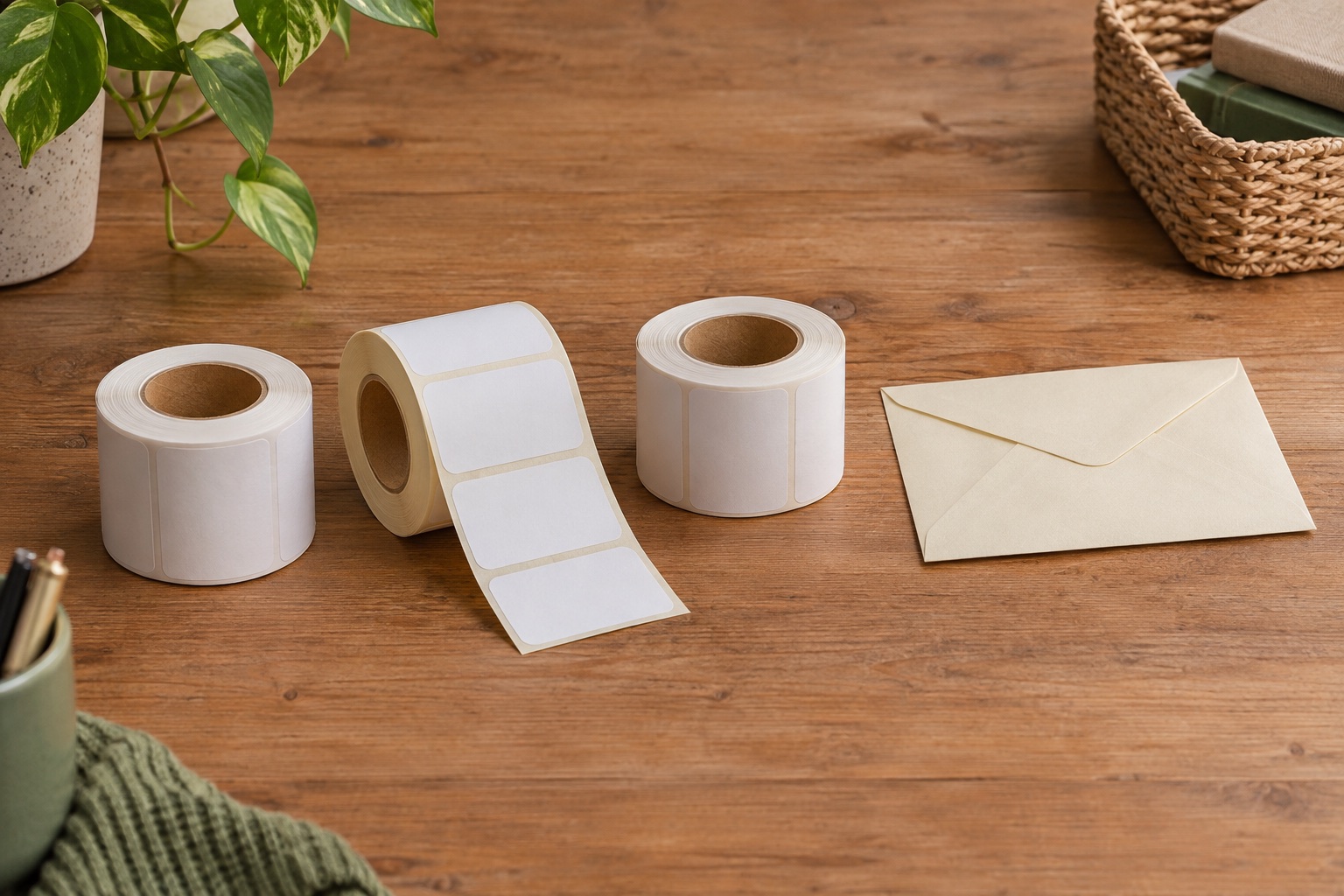
For a UK envelope address, compare the layout with a current genuine roll such as DYMO S0722400, also known as 99012. The individual label is 36 × 89 mm. That measurement describes the peel-off label. The backing, core and outside diameter determine how a full roll sits and feeds in the printer. Keep the packaging or a photograph of the SKU with partially used rolls so that they can be identified later. DYMO S0722400 UK label details
The same label size can appear on genuine and third-party stock. A code used as a cross-reference in the title also does not establish the roll's maker or generation. For a 550, check the exact manufacturer's SKU and explicit printer compatibility. Use a small pack or a sample from known stock to confirm the workflow before committing to several rolls.
For envelope addresses
DYMO LabelWriter Large Address Labels, 36 × 89 mm
Genuine DYMO white paper LabelWriter rolls for addresses. The two-roll pack has 260 labels on each roll.
Keep in mind. Check the printer and the generation of the roll. A LabelWriter 550 needs current Authentic DYMO LW stock that it can recognise.
- 36 × 89 mm individual labels
- White direct thermal paper
- Two rolls of 260 labels
Check older 450 stock and use the spool for your printer
If you still use a 450, match the media and select its size in DYMO software. The 450 manual explains how the printer senses the gaps between labels and warns that some rolls can feed poorly if the sensing features do not match. A label marked as fitting an older 450 does not prove that a 550 can recognise it. DYMO LabelWriter 450 series manual
If you have moved to a 550, keep its own spool with the machine and load the confirmed roll onto it. Use the diagram in the exact model manual. On both models the label roll feeds from underneath, and the spool guide needs to sit flush against the roll. A replacement spool that looks similar is a separate part to verify. A spool swap cannot add recognition to old labels.
The 450 Duo has a second compartment for D1 cassettes. The roll compartment and D1 tape compartment serve separate jobs. For a regular LabelWriter 450 or 550, use the supported LabelWriter roll for the print path. DYMO software guide to label families
Check recognition before changing the print layout
- Read the model badge and the code on the label box. For a 550, confirm that the roll is current Authentic DYMO stock supported by the 550 series.
- Load the roll according to the model diagram. Confirm the spindle and guide are seated and the labels feed straight.
- In DYMO Connect, check which printer and label size the job uses. On the 450, select the correct size. On the 550, check the detected roll before printing. When printing from another app, check that the driver or app page size matches the roll.
- Print one label and inspect the position. A label that feeds but prints off-centre calls for a size, orientation or loading check. A roll the 550 cannot recognise calls for a compatibility or seating check first.
For a parcel, compare the carrier's label dimensions with the printer and roll before buying media. Use the 4 × 6 parcel label guide for a carrier label in that format.
Manufacturer sources
Common questions
Can I use my LabelWriter 450 rolls in a 550?
Check the exact roll. The 550 requires authentic DYMO LW labels it can recognise, and DYMO lists compatibility with labels manufactured after April 2020. A roll that previously worked in a 450 may be older or from a third party.
How can I tell whether an old genuine roll will work in the 550?
Check the box, SKU and production information for 550 support. Load one confirmed roll on the supplied spool and check the detected size in DYMO Connect before using it for a full run.
Does LabelWriter 550 recognise the size and remaining labels?
The 550 series uses Automatic Label Recognition with authentic supported DYMO LW labels. DYMO software can receive the size and remaining label count. Check the size in your app before printing.
Can I reuse the spool from my LabelWriter 450?
Use the spool specified for the exact printer. Even if a different spool looks similar, the 550 still needs a compatible roll it can recognise.
Will DYMO D1 cassettes fit a LabelWriter 450 or 550?
D1 cassettes are separate from LabelWriter rolls. The 450 Duo has a dedicated D1 compartment as well as its LabelWriter roll compartment. Check the model badge before ordering.