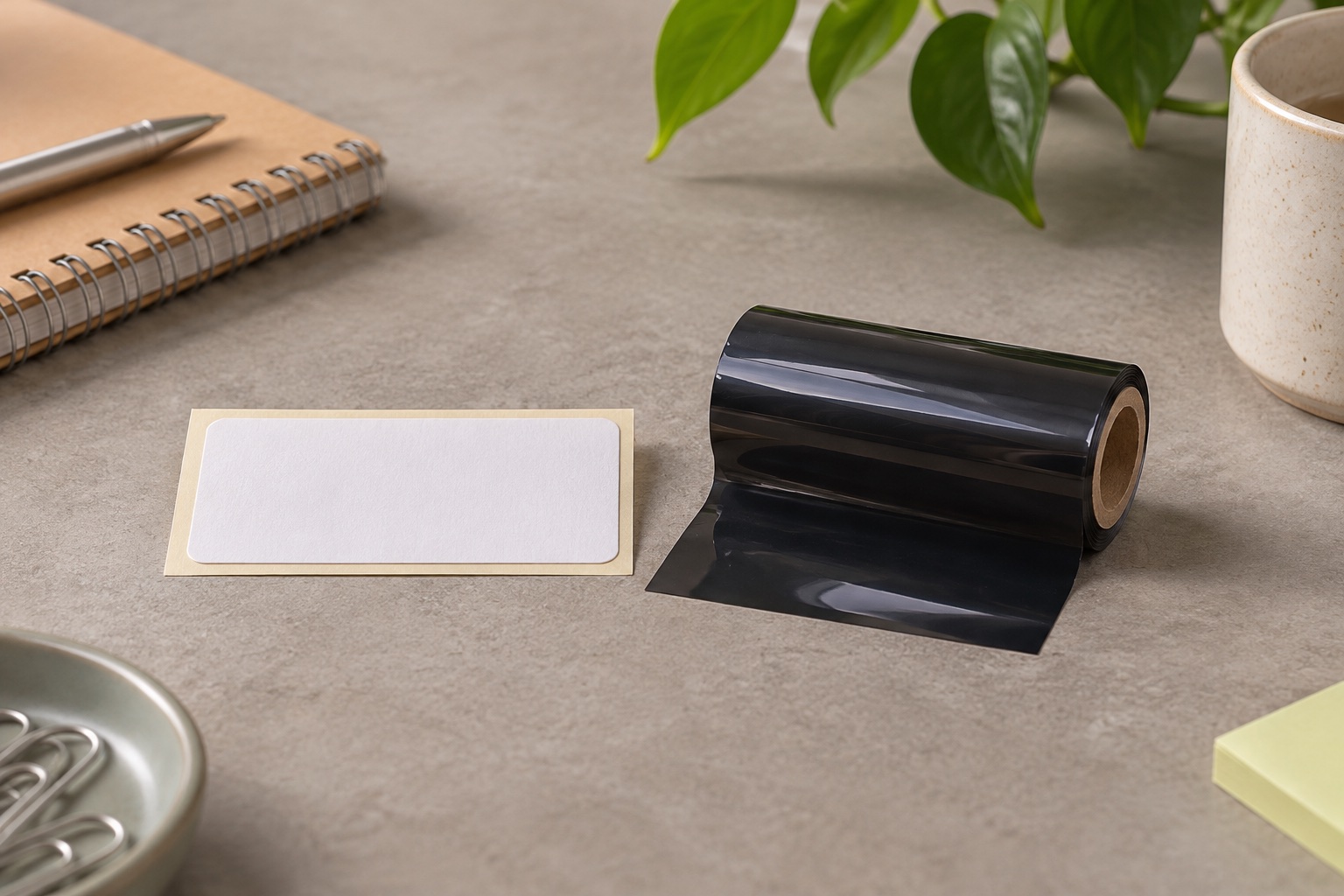
Direct thermal and thermal transfer compared
The print head produces heat in both methods. With direct thermal, the surface reacts and darkens. With thermal transfer, the heat releases printing material from the ribbon onto the label. A roll can look identical from the side and still need a different printer or mode. Zebra's explanation of thermal printing
| Decision | Direct thermal | Thermal transfer |
|---|---|---|
| What makes the image | Heat-sensitive label coating | Ribbon transfers onto a matching face stock |
| Consumables | Compatible thermal labels | Compatible labels and a suitable ribbon |
| Typical job | Parcel dispatch or short-lived identification | Longer-lived shelf, asset or equipment identification |
| Main thing to check | Exposure to heat, light or rubbing and exact stock fit | Ribbon formulation, face material, adhesive and print setting |
| If the wrong stock is loaded | Labels may feed with no visible image | Image may be weak, transfer poorly or rub off |
Choose for how long the label must stay readable
For parcels that move through dispatch quickly, start with compatible direct thermal media and the correct carrier format. Stock still varies in finish and protection. An exposed parcel in storage or sunlight can put different demands on a label from one that goes straight to handover.
For shelf identifiers that will be wiped or asset labels expected to remain in place for years, compare combinations designed for that exposure. Wax, wax-resin and resin are ribbon categories. A paper label and wax ribbon can suit a different job from a synthetic face and a matched resin ribbon. Ask the supplier which specific combination meets the conditions. Check the adhesive separately for the surface and temperature. Zebra media specifications, Zebra ribbon guidance
Identify the exact printer model before ordering
- Check whether the model supports direct thermal, thermal transfer or both. Two similar printers in the same series can have different print methods.
- Identify the roll or fanfold path and any special holder. Check face size, usable print width, gap or mark sensing, and roll core and diameter where applicable.
- If printing by transfer, follow the manual for ribbon width, core and ink-side orientation. Check the stock and ribbon as a pair.
- If you have unmarked media, try the manufacturer's scratch check on the printable face of a spare label. A dark line suggests a heat-sensitive coating. Check the pack code or supplier before buying more or assuming it fits your printer. Zebra scratch test
Brother's QL-1100c is an example of a direct thermal printer that uses DK rolls. Genuine DK-11247 is one supported pre-cut format. It has 180 labels measuring 103.6 × 164.3 mm and needs a matching job size. It is a Brother DK roll, with a different face size and feed system from generic 4×6 fanfold. Brother QL-1100c print method, Brother UK roll list
Wide Brother QL shipping labels
Brother DK-11247 shipping labels
A pre-cut paper roll for the wider Brother QL shipping machines. Its 103 mm-class label gives a full-size parcel address room without cutting a continuous roll by hand.
Keep in mind. Use the exact compatible QL model and label template. The wider DK-11247 format does not fit the narrower QL-800, and its die-cut size differs from a generic 100 × 150 mm label.
- 103 × 164 mm nominal
- 180 pre-cut labels
- Brother DK holder
Test one label in the conditions you actually use
Print a sample on the exact stock with a short line and, if needed, the intended barcode. Check contrast, clean edges and adhesion on the real surface. For a longer-lived label, check again after the type of handling or cleaning it will actually face. A successful print confirms initial readability. It does not establish long-term performance.
When comparing costs, include the ribbon for thermal transfer and the usable yield for either method. If the goal is reliable parcel dispatch, correcting size, feed and placement can make more difference than changing the print method.
Common questions
What is the main difference between direct thermal and thermal transfer?
Direct thermal heats a sensitive label surface to make the image. Thermal transfer uses heat to transfer material from a ribbon onto a compatible label face.
Which print method should I use for UK parcel labels?
Direct thermal is common for ordinary parcel dispatch because there is no ribbon to load. Check the carrier file, the printer's printable area and the exact label size. For long storage or unusual exposure, check the chosen stock's specification.
Can a thermal transfer printer use direct thermal stock?
Some models support both methods. Confirm in the exact manual and select the documented direct thermal mode and loading procedure. A direct-thermal-only machine cannot print ordinary transfer stock that requires a ribbon.
How can I tell whether a loose label is direct thermal?
On a spare piece, a quick firm scratch across the printable face may leave a dark streak if the surface is heat sensitive. Confirm the stock code and printer manual before a full run.
Does thermal transfer always last longer?
The result depends on the matched ribbon, face stock, adhesive and environment. Choose a specified combination and test the expected heat, light, rubbing or cleaning conditions.