Quick answer
Match the label to the jar and the way you use it
Choose a compact Brother P-touch CUBE for short, matching labels on jars and lids. Choose the PT-D610BT if you regularly need larger lettering on bins or want a built-in keyboard. Use a compatible refill, test it on the actual surface and choose separate removable labels for details that change each time you refill.
Choose the size and position before buying a machine
Decide which face you see first. On an open shelf that may be the front of the jar. In a deep drawer it may be the lid. On a pull-out bin it may be a narrow flat lip. Measure the usable surface rather than the full width of the container. Keep the tape clear of seams, moulded ridges and the changing curve at the shoulder of a jar.
| Pantry job | Label to try | What to check |
|---|---|---|
| Spice jars viewed from above | Short name on a flat lid, often on 9 or 12 mm tape | Read the longest spice name with the lid in its usual position. |
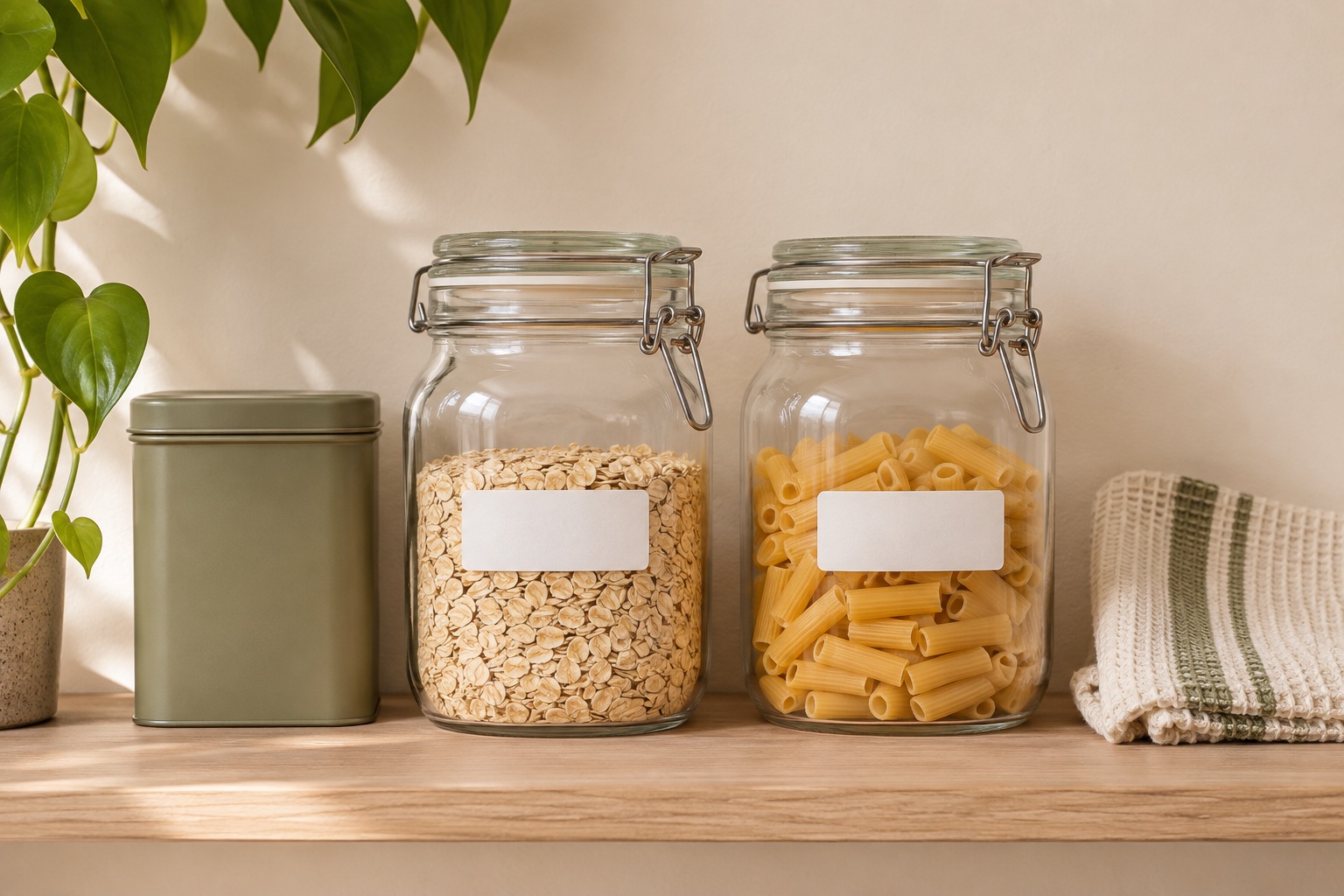
| Glass jars viewed from the front | Narrow, high-contrast label across the flattest area | Test whether the ends stay down on the curve. |
| Large bins or deep shelves | An 18 or 24 mm strip for a larger heading | Check the flat space and readability at the actual viewing distance. |
| Rotating contents or temporary notes | Separate removable label that suits the container and conditions | Test whether it releases cleanly and can be replaced. |
Make one paper mock-up for the smallest jar and one for the largest bin. Write your longest words at a legible size. If the narrow label is readable and the large bin needs only a short category name, a compact 12 mm machine may cover the whole pantry. Choose a wider machine when the heading regularly needs a bigger type size or a second line.
Brother P-touch CUBE PT-P300BT for matching jar labels
The PT-P300BT connects to a compatible phone or tablet over Bluetooth and takes supported TZe tape up to 12 mm. Use a matching design for short jar names. Preview the longest wording, such as BICARBONATE OF SODA, on the smallest container before printing the full set. The cutter is manual, so the machine is best suited to a manageable run of labels that you can cut as you go. Brother UK P-touch CUBE specifications
Choose it if you want to lay out labels on a phone and use the printer elsewhere around the home. Check the exact refill rather than assuming the included cassette is the colour or material you want.
Best for designing on a phone
Brother P-touch CUBE PT-P300BT
Set out labels for a run of drawers or jars in Brother’s mobile app. It takes the same width range as the PT-H110, so choose it for the way you want to design and type.
Keep in mind. There’s no keyboard on the machine. Check the app on your phone and budget for six AAA batteries or the compatible optional adaptor. If Amazon shows See All Buying Options, open it to compare current sellers.
- 3.5–12 mm TZe
- Bluetooth mobile app
- Manual cutter
Brother PT-D610BT for larger bin headings and standalone typing
The PT-D610BT takes supported TZe cassettes up to 24 mm and has a built-in keyboard, display and automatic cutter. Use a wide tape for a bin category such as BAKING or LUNCHBOXES, then switch to a compatible 9 or 12 mm cassette for small jar lids. The larger machine earns its space if you need both widths regularly or prefer to type directly on the printer. Brother PT-D610BT UK specifications
Measure the bin's flat panel and check the actual printed height on a sample. Text that reads clearly while holding the bin may still be too small from the other side of the kitchen. A wider tape can help, especially with a simple high-contrast heading.
For keyboard-first 24 mm labels
Brother P-touch PT-D610BT
A desktop tape label maker with a QWERTY keyboard and automatic cutter. It handles compatible Brother TZe tape from 3.5 mm to 24 mm and adds Bluetooth and USB design options.
Keep in mind. Measure space for the desktop machine and check your intended app or computer software if you want connected printing. Check the exact listing for the supplied accessories.
- 3.5–24 mm TZe
- QWERTY keyboard
- Automatic cutter
Choose the refill for the container and its cleaning routine
For lasting names on smooth external surfaces, compare compatible laminated tape with a removable option. Brother publishes test conditions for its TZe tapes, which help explain how the material performs under exposure. Check the instructions for the specific tape, the container material and the cleaning it will receive. Test one label on each different surface before printing a set. Brother guide to choosing the right TZe tape
Clear tape can blend into a jar, but dark lettering may disappear against dark contents. Black on white stays readable against a changing background. For small collections where you want raised lettering and an old-fashioned finish, compare a manual embosser. For damp or frozen surfaces, follow the freezer label guide and the exact refill's application instructions.
If labels need to move every week, look for stock specified as removable on your container material. Use the label on a consistent flat spot so you can replace it without changing the rest of the layout. For a stack of identical containers, mark the face you can still see when the lids are hidden. A second short mark on the lid helps if you routinely take several jars down together.
Put ordinary pantry labels on the outside of the container. Keep product information such as allergens, storage directions and relevant dates available from the original packaging when transferring food. Use one replaceable label for details that change and a second lasting name label when the container always holds the same ingredient.
Make a repeatable layout for the whole pantry
- Sort the jobs into small lids, jar fronts and larger bins. Give each group one simple layout with a consistent type size.
- Use words that are easy to distinguish at a glance. Add a second line when you need to tell similar items apart, such as self-raising and plain flour.
- Print one of each format, apply it to a clean, dry surface and check it at shelf or drawer distance. On a curved jar, check that both ends are still seated after normal handling.
- Print the matching set once the samples read clearly. Save the layout where your device or app supports it, and keep a note of the refill code and size for future labels.
Manufacturer sources
Common questions
What label tape width works for small spice jars?
Try 9 or 12 mm for a short name, and check your longest name on the smallest jar. The printable height is smaller than the tape width. A paper mock-up makes it easier to see if a wider tape will fit.
Will a label stick to both glass and plastic pantry containers?
Adhesion depends on the label material, adhesive, surface finish and shape. Try one label on the actual smooth, clean, dry surface and follow the application conditions for the exact refill.
Can I put a pantry container with a printed label in the dishwasher?
Check the instructions for both the container and the exact label material. The container's dishwasher rating does not establish what the label or adhesive can withstand. Consider a replaceable label if the container is washed frequently.
Which label maker can I use without a phone?
The Brother PT-D610BT has its own QWERTY keyboard and display. It is useful when you want a machine that can print both narrow jar labels and larger bin labels without starting a phone app.
Should I print the date on the same label as the ingredient name?
Put the ingredient on the lasting label if the jar has a regular purpose. Keep batch details or the original date information on a separate replaceable label or retain the packaging information so it can be updated when the jar is refilled.