Skip to content

Topic 01 · Updated November 2026

Home label makers

Choose a label maker for drawers, folders, cables and boxes. Start with the space you have for text and how you’d like to type it.

Compare home label makers
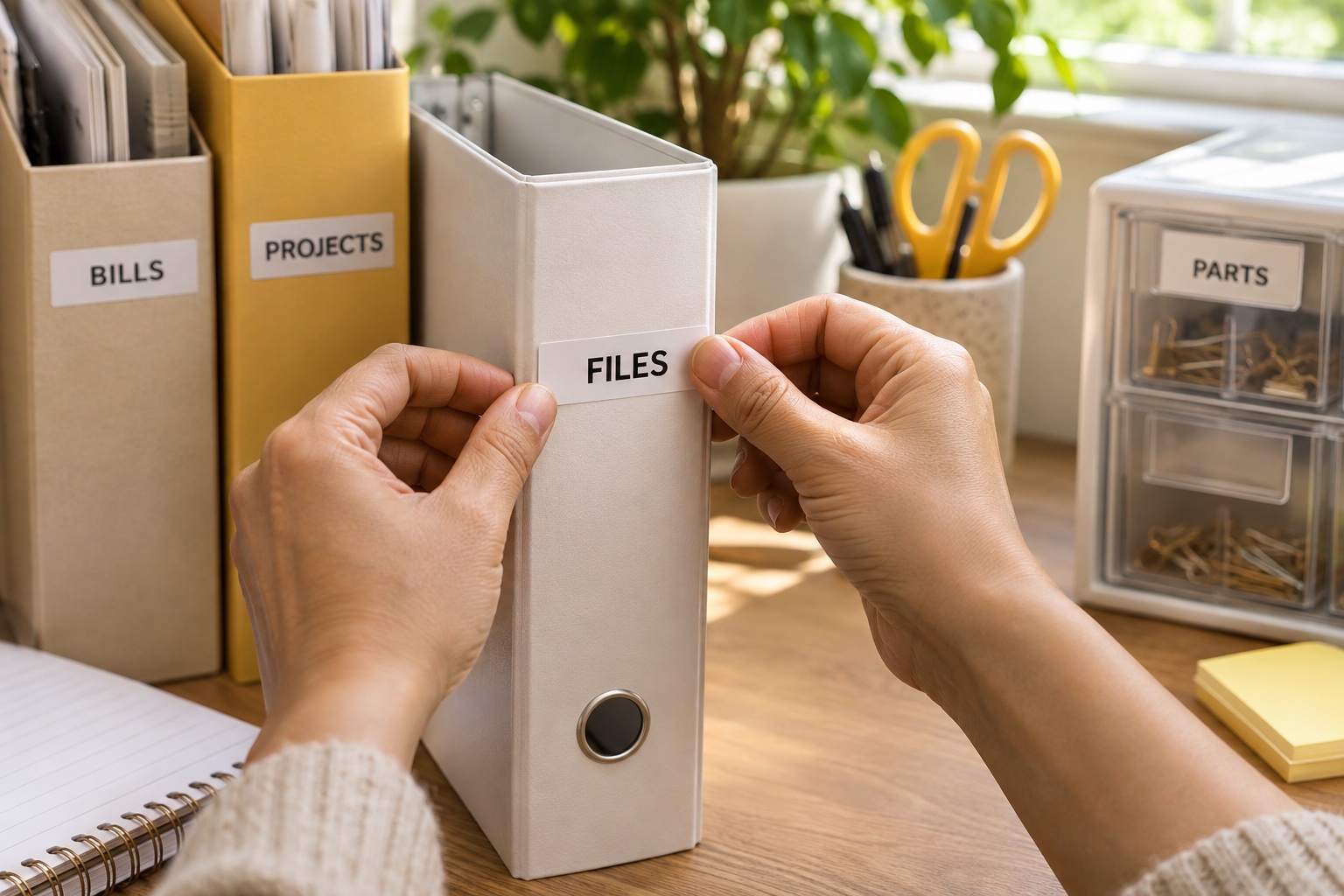
Hands attaching a white label to a folder spine at a home office desk
Keyboard, phone and wider-tape options, with the refills and limits that matter.

21 practical guides

What do you need to do?

All equipment guides →

Choose how you want to enter the text, measure the label space and check the refill family. Then use the guide for your machine or household job.

Quick match

Find your label maker in two taps

1. How would you like to type?
2. What will you label most?
Best for everyday labels

Brother P-touch PT-H110

Type at the shelf and print on the spot. It takes Brother TZe tape from 3.5 to 12 mm, so there’s a narrow option for tight folder spines.

3.5–12 mm TZe · Built-in keyboard

See it in the guide →

10 guides

Choose and compare label makers

Start with the kind of label you need, then compare the machines that support it.

Back to choices ↑

4 guides

Find a guide for the item you are labelling

The usable space and surface decide which label is practical.

Back to choices ↑

7 guides

Use, connect and troubleshoot your labeller

Follow the model-specific controls and change one setting at a time.

Back to choices ↑

Start with the labels you’ll make most often

For files, drawers and storage boxes, a handheld machine with its own keyboard is a good starting point. You can type the label where you need it and move on to the next shelf. If you like to lay out text on a larger screen, choose an app-controlled model and check that the app runs on your phone before ordering.

A box lid gives you room for two lines or larger lettering. A slim folder spine or cable gives you much less space. Measure the usable area, then check the machine’s printable height as well as the nominal tape width. The label needs a margin above and below the lettering.

Brother TZe widths Relative widths
3.5 mm
6 mmCABLE
9 mmSPICES
12 mmFOLDER
18 mmSHELF 04
24 mmBOX LID

PT-H110 and PT-P300BT take tape up to 12 mm. PT-P710BT adds widths up to 24 mm.

Paper or laminated tape?

Paper labels

Suit dry indoor jobs such as file tabs. Check whether the machine supports the paper cassette you want to use.

Handled or wiped surfaces

Look up the tape maker’s guidance for the specific material, adhesive and surface.

Cable wraps

Look for a documented flexible tape and match it to the shape and diameter of the cable.

Keep a note of the model and refill code. Brother lists TZe cassettes for the PT-H110, while DYMO specifies LetraTag labels for the LT-100H. Both offer a 12 mm format within their own families.

Check tape compatibility →

Best for everyday labels

Brother P-touch PT-H110

A handheld pick for files, drawers and boxes. The built-in QWERTY keyboard lets you type and print wherever the job is, and the narrow tapes leave room on smaller surfaces.

Keep in mind. The 12 mm maximum is limiting if you want large lettering across a box lid. It uses six AAA batteries or a compatible optional mains adaptor.

  • 3.5–12 mm TZe
  • Built-in keyboard
  • Manual cutter
Check price on Amazon

Common questions

Can I use a label maker without a phone?

Yes. The Brother PT-H110 and DYMO LetraTag LT-100H both have built-in keyboards. App-controlled models let you design on your phone instead.

How wide should a label be for a folder spine?

Measure the flat part of the spine first. A short title read close up often fits on 9 or 12 mm tape. Check the printer’s printable height as well as the cassette width.

Do Brother TZe and DYMO LetraTag cassettes fit the same machine?

They are different cassette families. Match the family and width listed for your exact model before buying a refill.

What should I check before buying a Bluetooth label maker?

Check the maker’s app on your phone, the supported tape widths, the power source and whether you need automatic cutting for repeated labels.

What tape should I use on a storage box I wipe regularly?

Look for a tape specified for the surface and cleaning routine. Try a small label on a clean, flat patch before printing the whole set.