Quick answer
Start with the cable and how you need to read it
Use a compatible Brother PT-H110 and Flexible ID tape for a small set of home office cables. Pick a wrap for tight bundles and a flag for a longer name that needs to face you. If you regularly print matching wraps and flags for whole racks, choose a machine with dedicated layout modes such as the Brother PT-E110VP.
Decide how each cable label will be read
Look at the cables where they are used. Behind a desk you may need to identify a single charger by touch and then read the label in good light. In a row of network leads you may need to see the cable ID before reaching between the plugs. This difference matters more than the number of fonts a machine offers.
| Job | Label format | What to check before printing |
|---|---|---|
| Short ID in a crowded bundle | Wrap with flexible ID tape | Measure the jacket diameter and leave the overlap specified for the tape. |
| Longer name on an accessible lead | Flag with two readable faces | Check that the flag will clear nearby cables and connectors. |
| A numbered row of ports | Flat labels on the panel or device | Measure the flat strip and line up each ID with its port. |
| Cable that moves or has little free jacket | Label the fixed socket or organiser and record the cable route | Keep the label clear of moving points, vents and strain relief. |
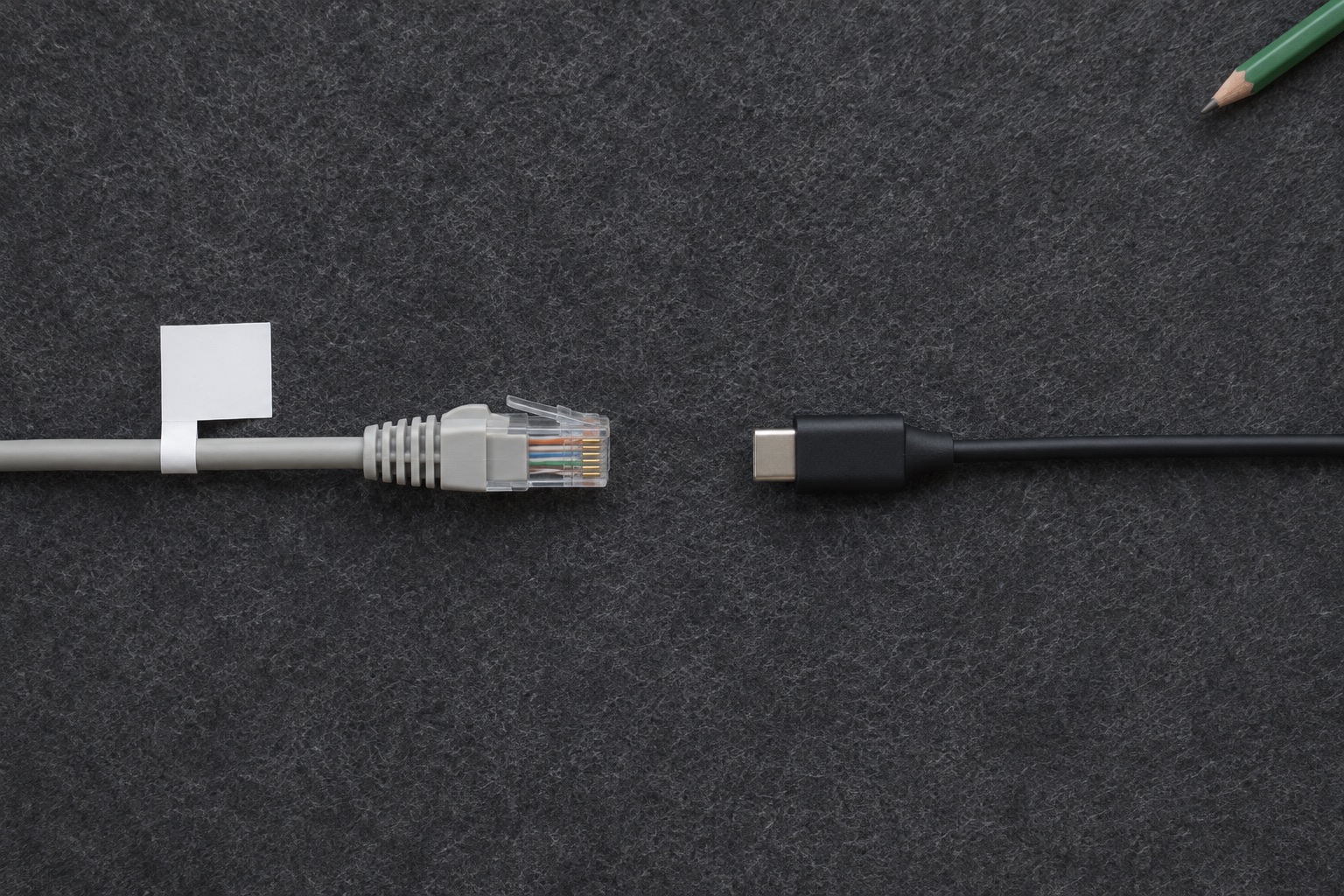
A wrap suits a short ID such as NET-04. A flag gives you more space for a name such as PRINTER or DESK MONITOR. A flat label can add a second reference at the patch panel or on a plug with a suitable flat area. Measure the space and decide which direction the text needs to face before you commit to a design.
Brother PT-H110 for a small batch of home office cables
The PT-H110 has a built-in keyboard and manual cutter. Brother lists Flexible ID tape among its supported cassettes, including 12 mm TZe-FX231 and 9 mm TZe-FX221. It suits a few desk, AV or home network leads when you also want the machine for folder spines and drawers. You can print an ID twice and keep the pair together as you work. Brother PT-H110 specifications and supplies
The trade-off is layout time. Measure a sample label for each cable size and make sure the words stay clear of the fold or overlap. If you have a row of cables that need serial numbers and a consistent flag on each end, a machine with dedicated wrap and flag modes saves repeated layout decisions.
Best for everyday labels
Brother P-touch PT-H110
A handheld pick for files, drawers and boxes. The built-in QWERTY keyboard lets you type and print wherever the job is, and the narrow tapes leave room on smaller surfaces.
Keep in mind. The 12 mm maximum is limiting if you want large lettering across a box lid. It uses six AAA batteries or a compatible optional mains adaptor.
- 3.5–12 mm TZe
- Built-in keyboard
- Manual cutter
Choose flexible tape and check the cable diameter
The tape's adhesive and construction determine whether it will stay down on the curve. Brother recommends its Flexible ID tape for wraps and flags and lists TZe-FX231 as a black-on-white 12 mm cassette. Standard TZe-231 can be useful for a flat port or equipment label. For a cable wrap or flag, look for the FX prefix and a width supported by the printer. Brother TZe-FX231 · Brother guide to TZe tape applications
The number on the cassette describes the tape width. The label also needs enough length to go around the measured jacket and leave the specified overlap. On a flag, allow enough length for both faces as well as the fold. Brother gives diameter and overlap guidance for different tape constructions. Follow the advice for the specific cassette and method. On a very narrow lead, a marked socket or separate compatible marker can be easier to read. Brother technical guide to TZe tapes
12 mm · flexible cable and tube labels
Brother TZe-FX231 flexible ID tape
Genuine black-on-white laminated flexible ID tape for wraps and flags on compatible Brother P-touch machines. The cassette contains 8 m of 12 mm tape.
Keep in mind. Confirm the cassette code for your printer and the wrap or flag instructions. Brother’s wrap guidance specifies at least 3 mm diameter and at least 5 mm overlap.
- 12 mm × 8 m
- Black on white
- Flexible ID laminate
When a machine with cable wrap and flag modes is worth it
Brother's PT-E110VP has dedicated keys for cable wrap, cable flag and faceplate layouts, plus serial numbering. These controls are useful when the job calls for a row of matching IDs or several cable sizes. It prints on supported TZe tape up to 12 mm. Brother describes its UK pack with a 9 mm Flexible ID starter tape, AC adaptor and carry case. Check the exact pack contents when comparing listings. Brother PT-E110VP UK specifications
For an occasional home desk tidy, give priority to a compatible flexible refill. For repeated batches, give more weight to dedicated templates and numbering. For specialty markers such as heat-shrink tubing, check the media and printer model together. Brother lists support for specific HSe tubing on selected machines.
For regular cable labelling
Brother P-touch PT-E110VP
A handheld label maker with dedicated cable wrap, flag and faceplate modes. Sequential numbering helps when you need a set of matching IDs.
Keep in mind. Choose a compatible Flexible ID cassette for curved jackets. Check the adaptor, plug and tape included with the exact offer.
- Up to 12 mm TZe
- Cable wrap and flag modes
- Built-in manual cutter
Give each lead one ID and label it at both ends
- Work on accessible, intact household data, AV or charging leads. Keep text clear of existing markings and leave room for the connectors, latches and strain relief.
- Assign one unique ID per cable. A consistent prefix and a short number work well when tracing several similar leads.
- Print two copies of one ID, then test the fit and the direction of the text before printing the rest. Check readability with the cable sitting in its normal place.
- Keep a simple key for IDs that need more detail. A row such as NET-04, desk switch port 4 to study access point, can save space on the label itself.
- Add a new entry when a cable is repurposed. If the ID includes the cable destination rather than a unique number, update both labels together.
For an example, give a desk switch and its four room leads the prefix NET. Put NET-01 on both ends of the first lead, then write its two connection points in the key. Put a short label beside each switch port if reading the cable flag requires reaching behind the desk. This keeps the cable identifiable even if you move it to a different port.
Use the curved-surface guide for the wrap and flag application details. If you are repeating the same short ID on a handheld P-touch, check the margin and chain printing guide before making the full set.
Manufacturer sources
Common questions
Can the Brother PT-H110 print labels for cables?
Brother lists compatible Flexible ID refills for the PT-H110, including TZe-FX231. Use a short label or check the length and layout for a flag. A dedicated cable label maker can automate more of the layout work.
What is the difference between a cable wrap and a cable flag?
A wrap goes around the jacket and stays close to the cable. A flag folds so that the ends meet and the label projects out from the cable, giving you a larger area to read.
Should I label both ends of an Ethernet cable?
If you need to trace it, use the same unique ID at both ends. Add the room or port details to a separate map so that you can update the location without printing another set of cable IDs.
Is Brother TZe-231 the same as TZe-FX231?
TZe-231 is standard black-on-white laminated tape. TZe-FX231 is 12 mm black-on-white Flexible ID tape designed for jobs such as wrapping or flagging cables. Check the cassette code before ordering.
Can I use ordinary tape to mark a very thin cable?
Check the refill's minimum supported diameter and wrap or flag instructions. If the cable is below the stated limit or there is no suitable place to attach a label, use a matching ID on a nearby flat port panel or a marker specified for the cable size.