Quick answer
Check the model suffix and the refill before choosing
The original D110 manual specifies USB-C charging, 203 dpi and a 15 mm label width. The original D11 manual specifies Micro USB charging, 203 dpi and a 12 mm print width. Those width measurements describe different things. For either model, choose the exact refill size and confirm its compatibility with the unit you are considering.
Original NIIMBOT D110 and D11 compared
The D110 and D11 are battery-powered Bluetooth label printers for small household labels. Both original manuals describe inkless thermal printing and a phone-based workflow. For a few jars, cables or small drawers, the available label sizes and the charging connection are better buying checks than trying to infer which model is newer from the name.
| Detail | Original NIIMBOT D110 | Original NIIMBOT D11 |
|---|---|---|
| Printing method and resolution | Direct thermal, 203 dpi | Direct thermal, 203 dpi |
| Connection | Bluetooth, mobile app | Bluetooth, mobile app |
| Charging connection in the manual | USB-C | Micro USB |
| Battery capacity in the manual | 1,200 mAh | 1,500 mAh |
| Width stated in the manual | 15 mm label width | 12 mm print width |
The two width specifications do not support a like-for-like comparison. A roll can be wider than the strip the printer can mark. If a label must fit an exact amount of text, check the roll dimensions and the print area in the app template. Battery capacity also gives only part of the picture because print volume, standby time and battery condition affect time between charges. Original D110 operating instructions · Original D11 user manual
Which model suits the labels you want?
Start with the smallest object you expect to label and your longest common name. A short number or name fits a small sticker more comfortably than a category with a line of instructions beneath it. For a batch of spice jars, test the full word on the smallest lid. For a drawer viewed from a few steps away, choose enough space for a legible type size.
The documented USB-C D110 is the easier fit if you already keep a compatible USB-C charging cable at your desk and want to avoid carrying another lead. If you are offered an original D11 and can get the right refill size, factor the Micro USB cable into your setup. Keep the charger and label stock with the machine if it will be stored between jobs.
If you need multiple lines on a large storage bin, a narrow direct thermal label may run out of space before the design is readable. A wider cassette printer or a different size of direct thermal label can suit that job better. Check the physical size against the surface before comparing print resolution.
Check the exact model and revision on the listing
Amazon titles can use a family name while the model field identifies a different version. One UK listing titled D110 lists D110M in the specifications. NIIMBOT also markets an upgraded 300 dpi D11 alongside the original D11 documented at 203 dpi. Listings marked D110M or D11-H should be read against the instructions for that model. NIIMBOT support model list · NIIMBOT upgraded D11 specifications
Check the selected colour and bundle as well as the parent listing title. Look for the model field, a photo of the model marking, the charging port, the paper dimensions and the supplied roll. Where two fields disagree, get the exact model confirmed before ordering. A close-up of the charging socket can be more useful than a generic description of the series.
Choose the actual label roll first
For each printer on your shortlist, find a compatible refill in the size you need. Check these details together.
- Exact printer model. Look for the full code on the refill pack. Similar naming can cover different generations and roll designs.
- Label and roll format. Check the width and length of the individual label, along with the roll specifications and shape. A roll of pre-cut rectangles behaves differently from a continuous strip.
- Intended surface. Look for adhesive and temperature instructions for the exact refill. A label suited to a clean dry drawer may behave differently on a cold jar or near frequent rubbing.
- Labels per roll. Compare usable labels per roll for your actual size and allow for a few setup and test prints. With fixed-size labels, a longer label can use more space than a short code needs.
These units mark direct thermal stock using heat. Check the exact media's handling and storage recommendations if labels will be exposed to light, heat or repeated cleaning. For a long-lasting equipment ID or a tightly curved cable, compare the material and application guidance with laminated or flexible tape.
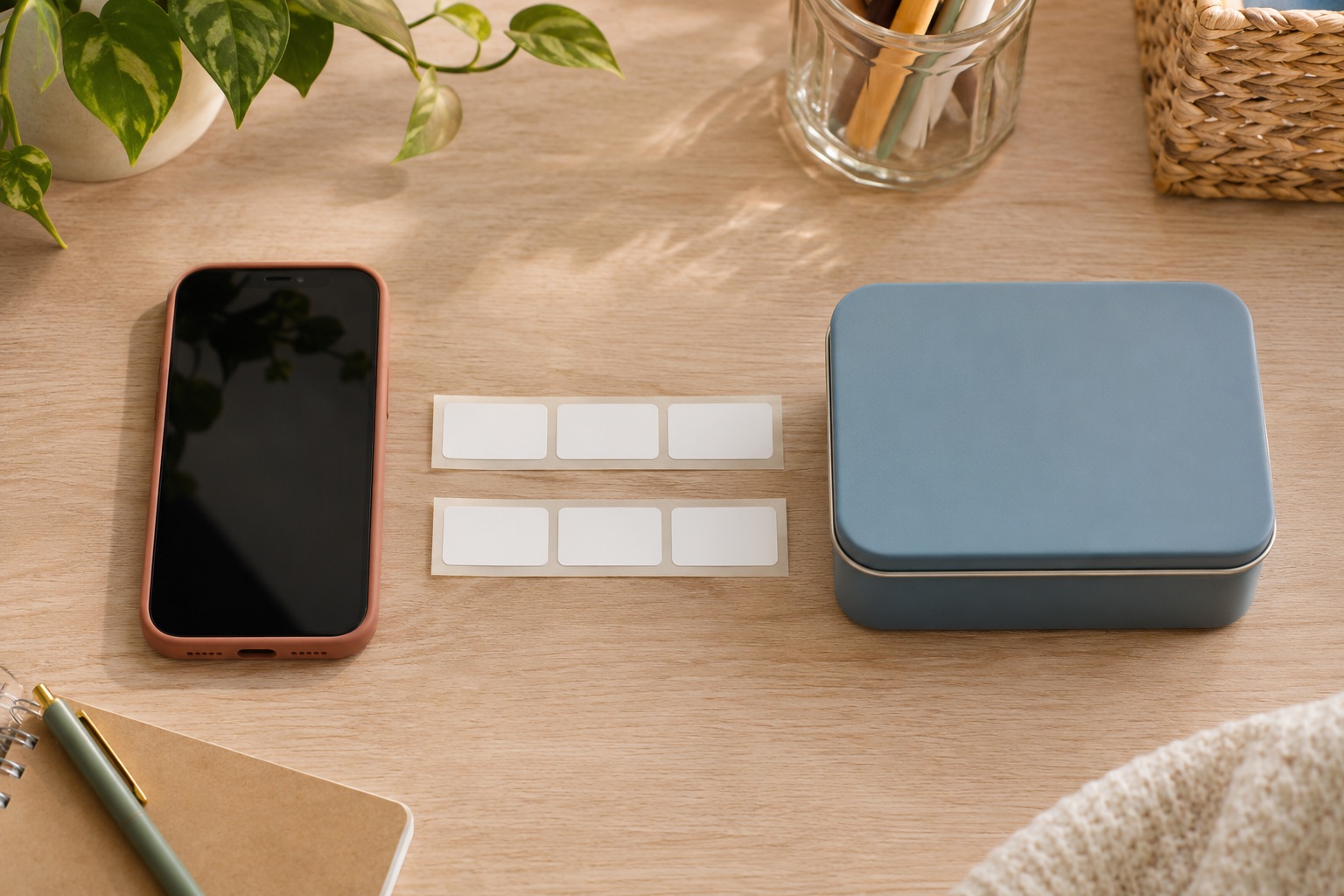
One option for short drawer, jar or cable IDs is the white 12 × 30 mm D-series refill. NIIMBOT lists that size for the original D110 and D11. Check whether the short rectangular label fits your surface before ordering the multipack. For a cable flag, NIIMBOT lists a separate 12.5 × 109 mm format for D11 and D110. Check the media shape and application guidance for the jacket before ordering. NIIMBOT D-series white labels · NIIMBOT cable labels
Refill for short names and IDs
NIIMBOT D-series White Thermal Labels, 12 × 30 mm
White pre-cut direct thermal labels for small drawer, jar and item IDs. NIIMBOT lists this label size for the D110 and D11.
Keep in mind. Confirm the full printer model and select the 12 × 30 mm template. Check the refill application instructions for the surface.
- 12 × 30 mm individual labels
- White direct thermal stock
- Three-roll pack
Check your phone and print one test label
Check the current app listing against your phone before you buy. The original manuals describe finding the printer through the mobile app with Bluetooth enabled. Follow the loading diagram for the exact model, select the template for the actual roll, and print one short label. If the text sits too high, low or off-centre, check the loaded stock, roll orientation and selected template before changing the label design.
If you want to design on a computer, check the current app and driver documentation for the exact model. A USB charging port by itself does not establish computer printing support. If you would rather type and print directly, see the home label maker comparison for keyboard models.
Manufacturer sources
Common questions
Does the original NIIMBOT D110 use USB-C?
The original D110 operating instructions list a Type-C interface. Confirm the socket and exact model with the seller, especially on a listing covering several models.
Is the original NIIMBOT D11 a 300 dpi printer?
The original D11 user manual lists 203 dpi. NIIMBOT also sells a newer D11 described as an upgraded 300 dpi version. Check the resolution and revision on the exact machine.
Can I use the same labels in a NIIMBOT D110 and D11?
Some NIIMBOT refills are sold for more than one model. Check the exact refill code, size and supported models on the roll pack. The width alone cannot confirm that the roll and feed will fit.
Will either model work without a phone app?
The original manuals describe designing and printing over Bluetooth using a mobile app. If you want to type on the printer, choose a model with a built-in keyboard.
Can these label makers print UK parcel postage labels?
These are narrow label printers for small items. Check your carrier's label format and choose a printer or A4 workflow that matches the PDF dimensions.